
Assemble changelog
Automatic Uploads
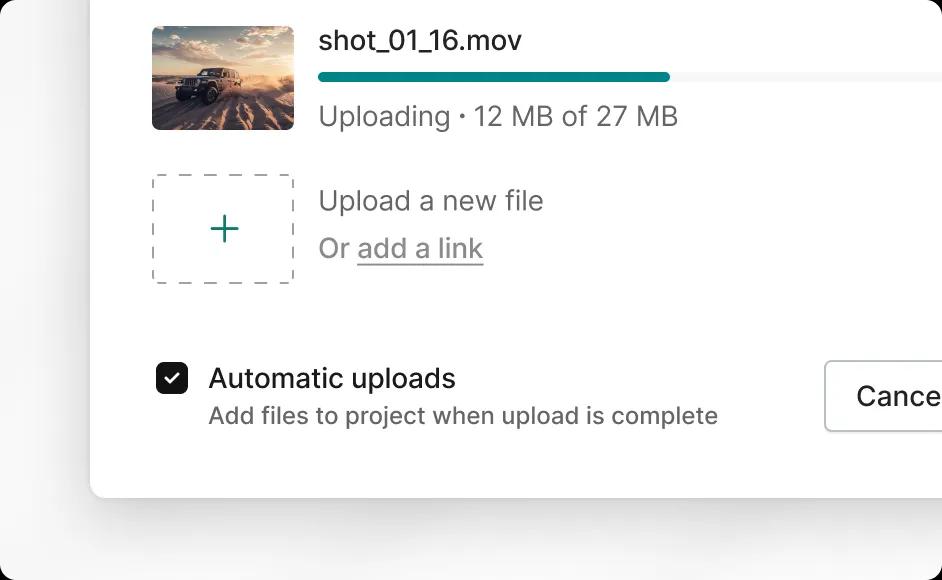
You now have the option to add files to your project immediately as soon as the upload is complete. Just turn on ‘Automatic uploads’ on the upload screen and files will be added to your project even if you are away from your computer. You can uncheck this option if you prefer to edit file names or re-order the files before adding them to your project.