
How to Add Emoji Milestones
Learn how to add emoji milestones to create visual reminders for major milestones on your calendar.
Adding Emoji Milestones
Emoji milestones are a simple way to add visual reminders to your project timeline.
To create a milestone, switch the calendar to Timeline View, then click anywhere on the project timeline bar at the top of the calendar.
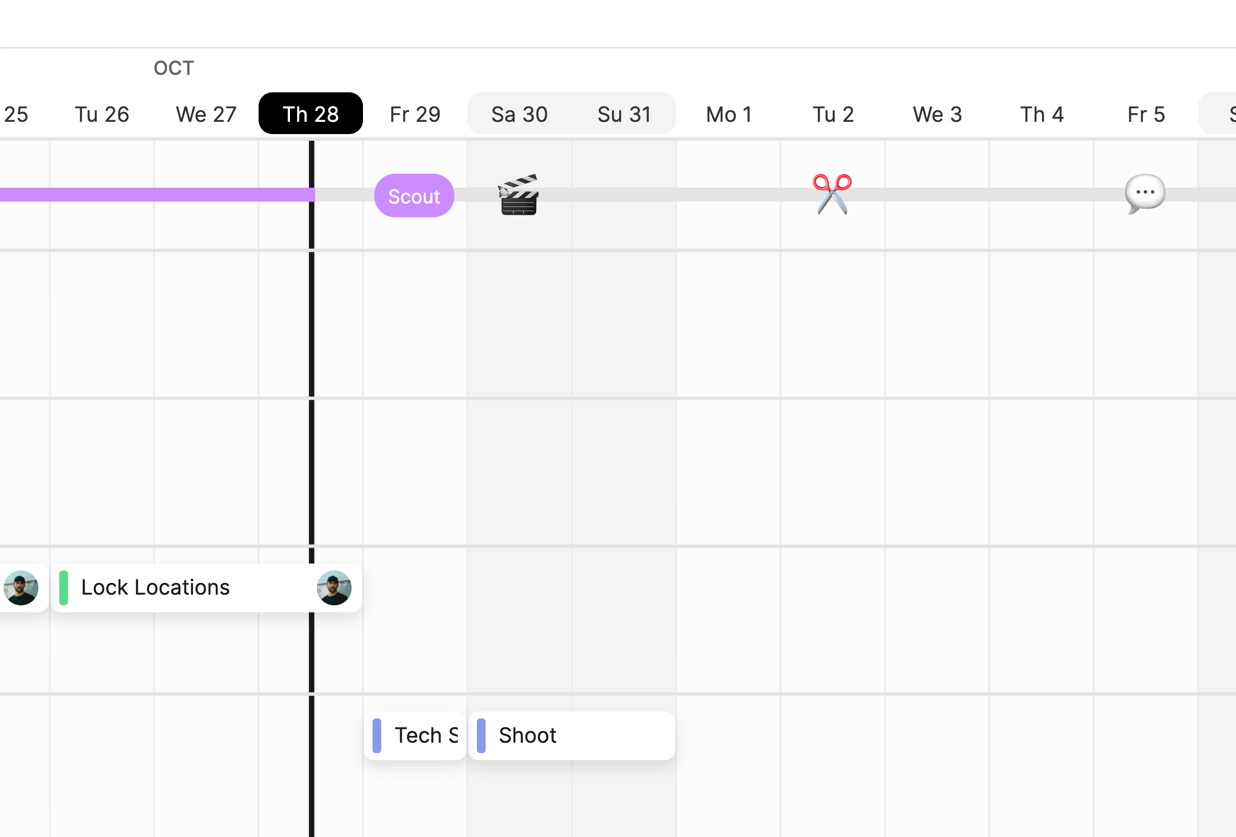
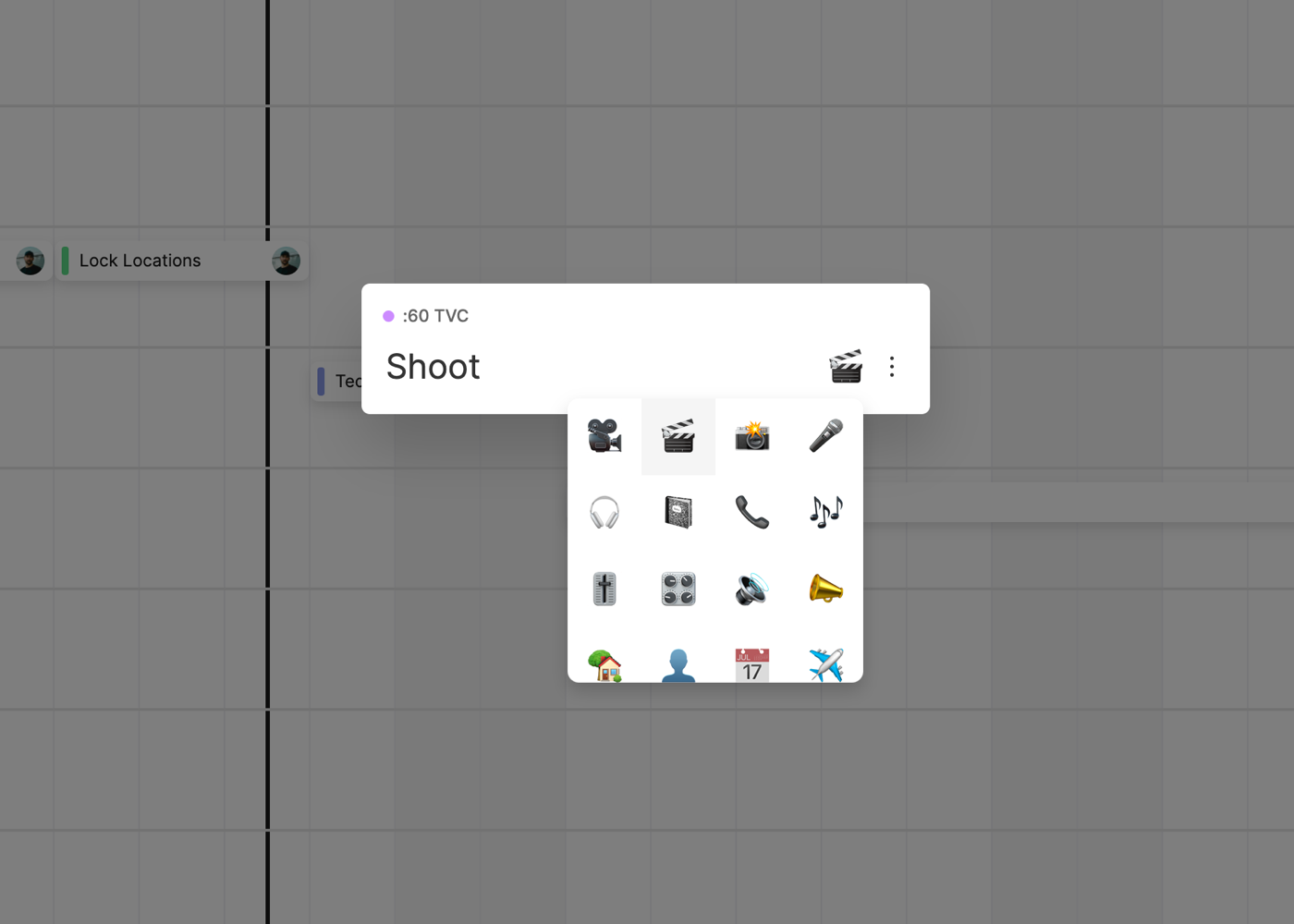
Next, enter the milestone name and select an emoji from the list of available emojis.
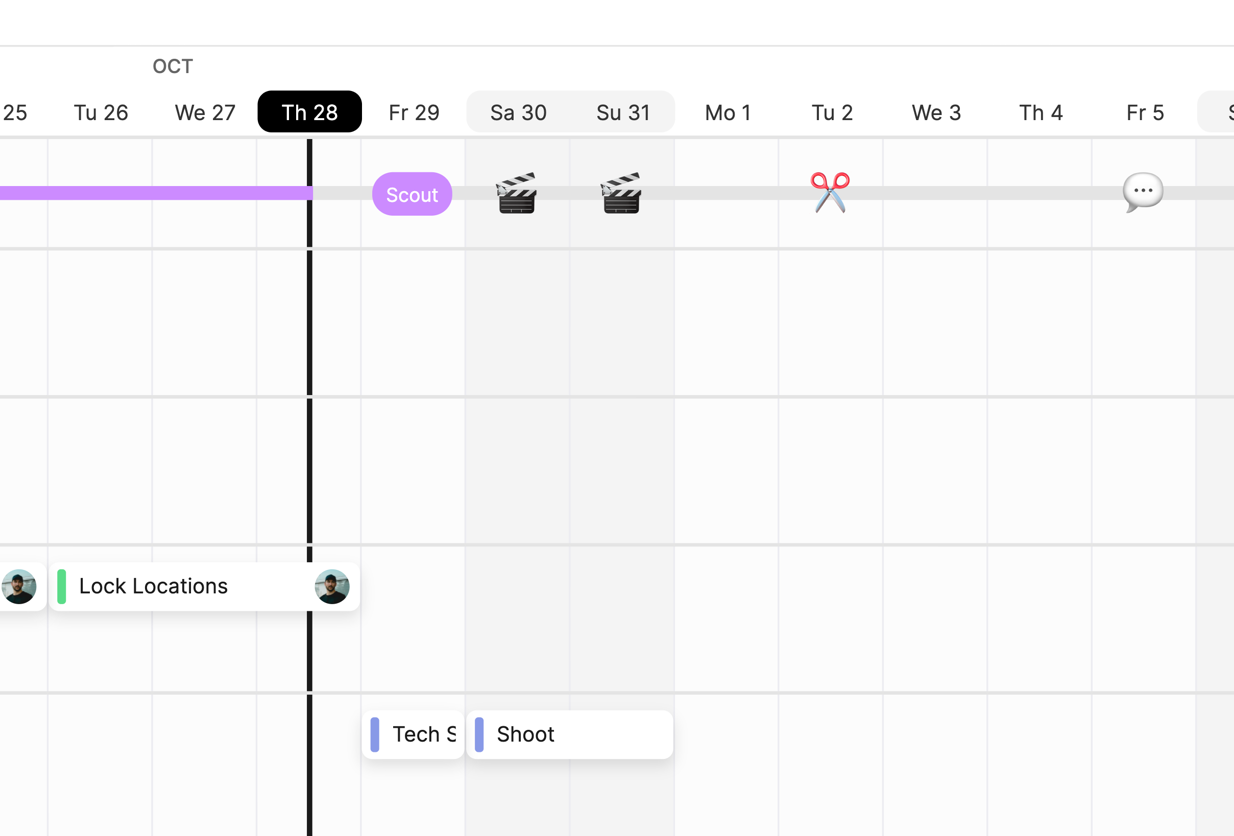
Once created, the emoji will be visible on your project timeline.
Editing Emoji Milestones
To edit an emoji, just click the Emoji Milestone to open the emoji details, and then edit the Title and Emoji.
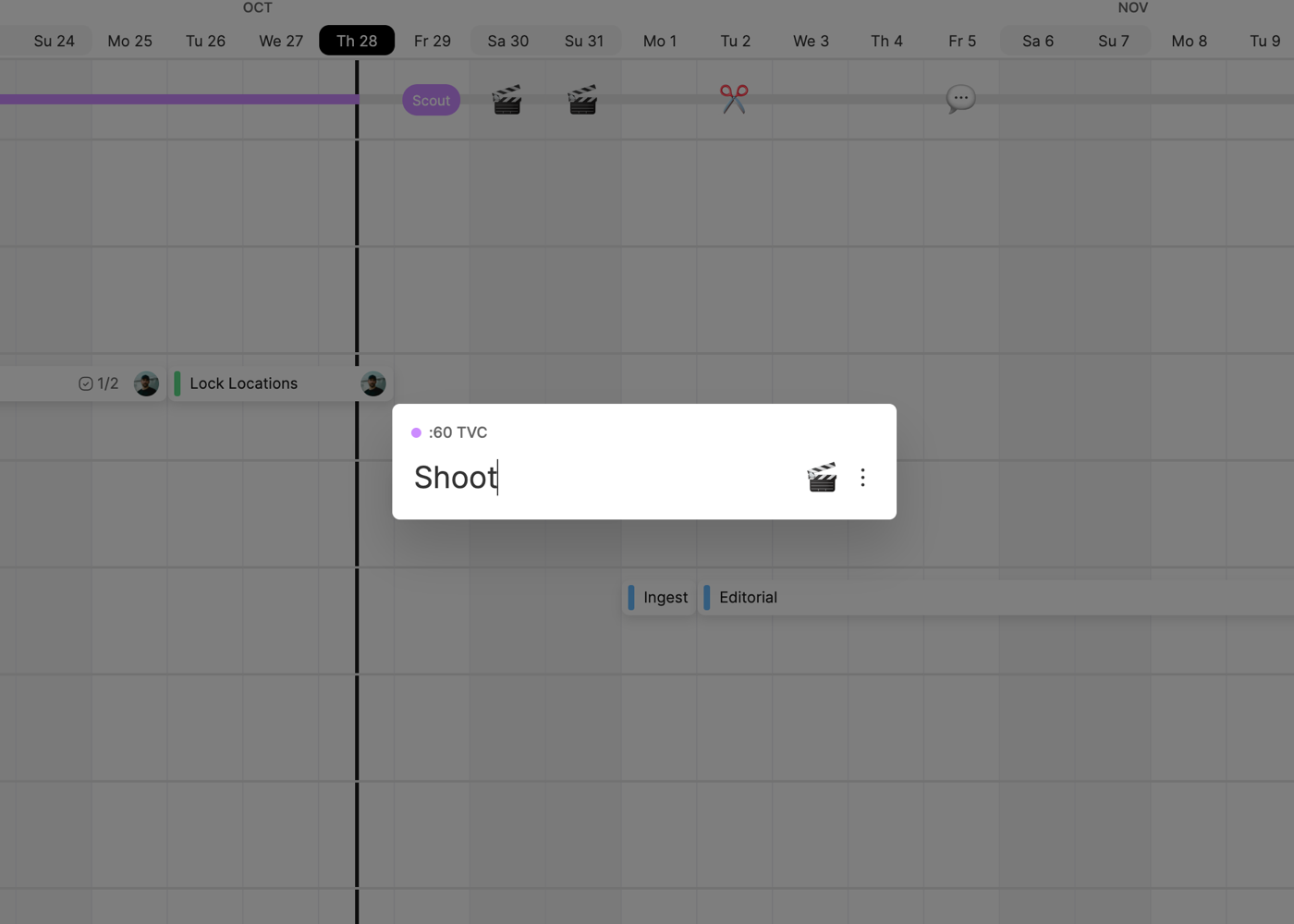
To delete an emoji milestone, click the Three Dot Menu and click Delete.
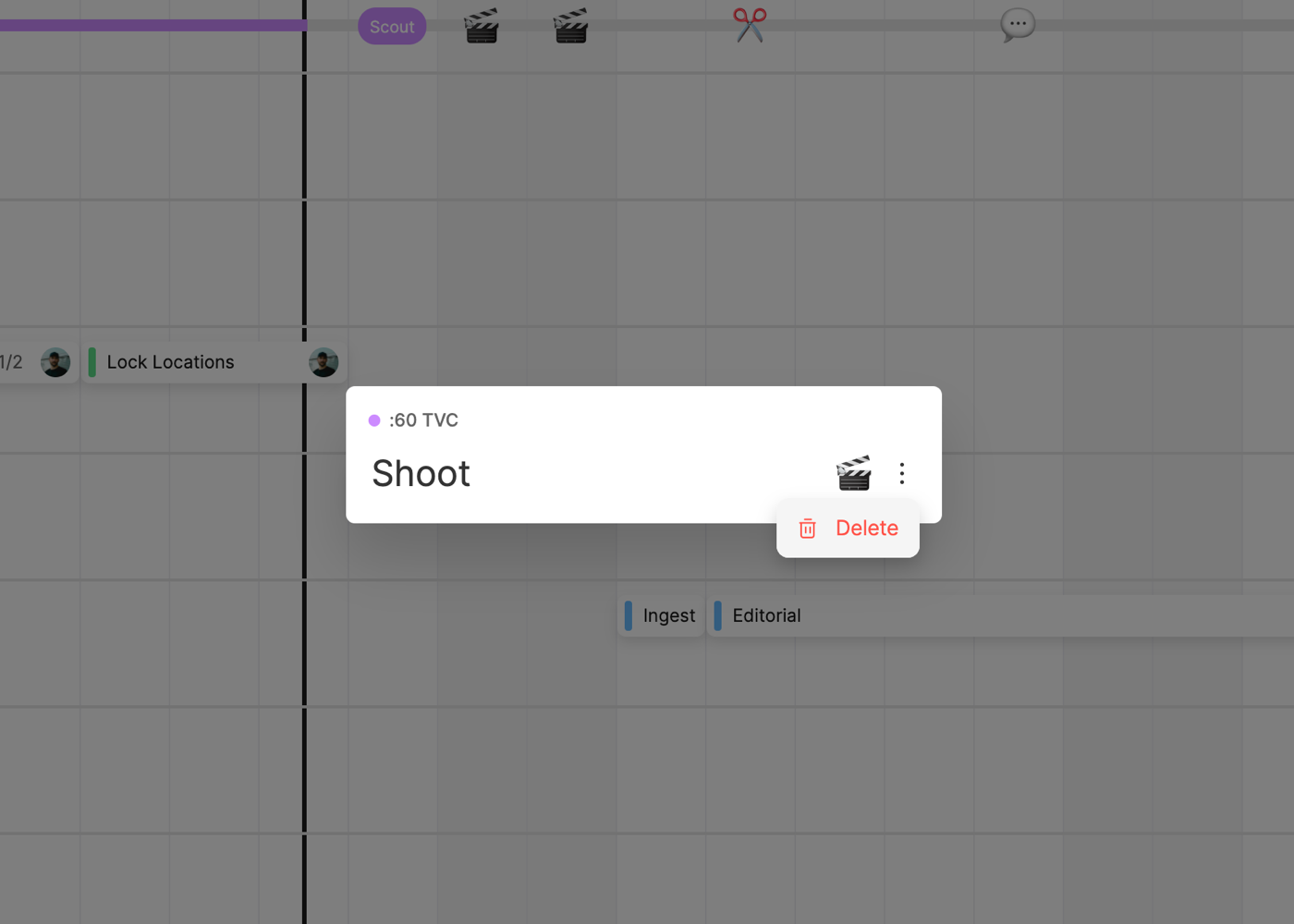
You can also move emojis simply by dragging and dropping them to a new location on the timeline.
When using Bulk Drag & Drop, emoji milestones function like any other task on the calendar, and will be moved along with any other tasks included in the Bulk Drag & Drop.
To learn more about bulk drag & drop, click here.
Viewing Emoji Milestones on the Global Calendar
Emoji milestones will appear on the Global Calendar as well, giving you a high level overview of important upcoming milestones.
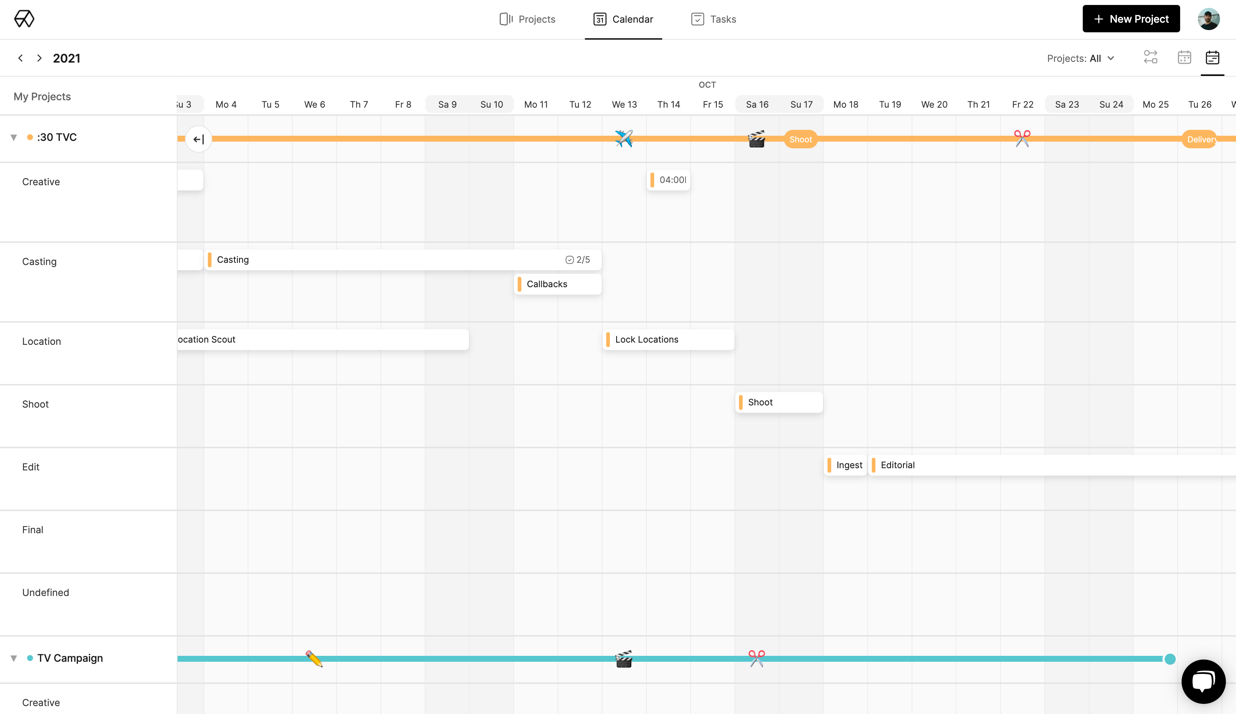
You can also collapse all of the projects to only view the timelines and emoji milestones.
Was this helpful?