
Add Markups to Files
Learn how to leave annotations as markups directly on photos and videos.
Adding Markups
By default, markups are automatically turned on whenever you open a photo, video or PDF file. Simply hover your cursor over the file and you will see your cursor change to crosshairs. Click anywhere on the file to add a Markup.

Once you have placed the markup, enter your comment into the comment field and click Publish to add the markup.
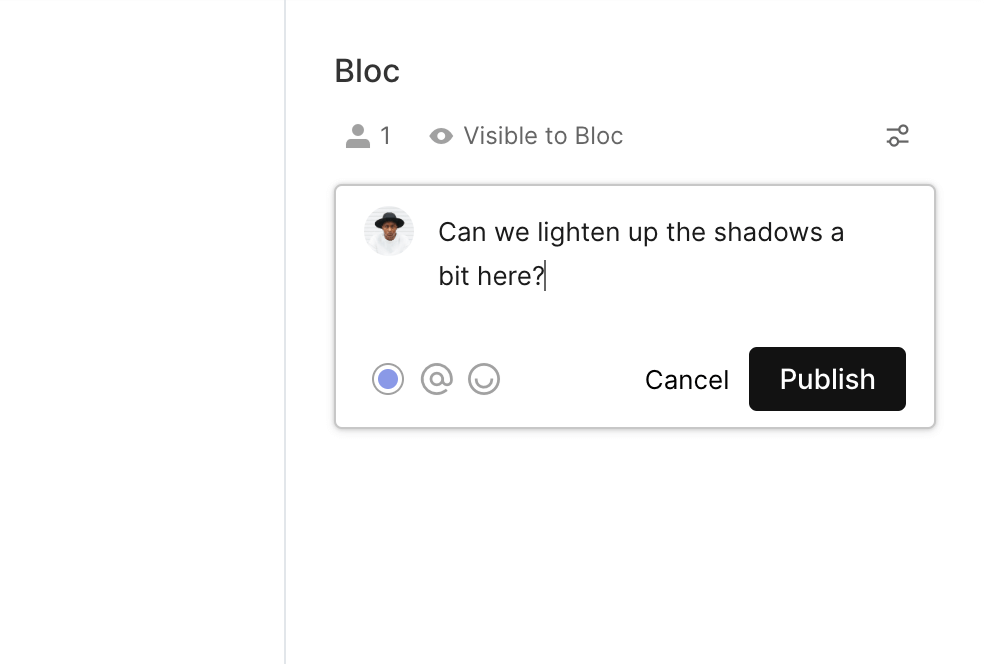
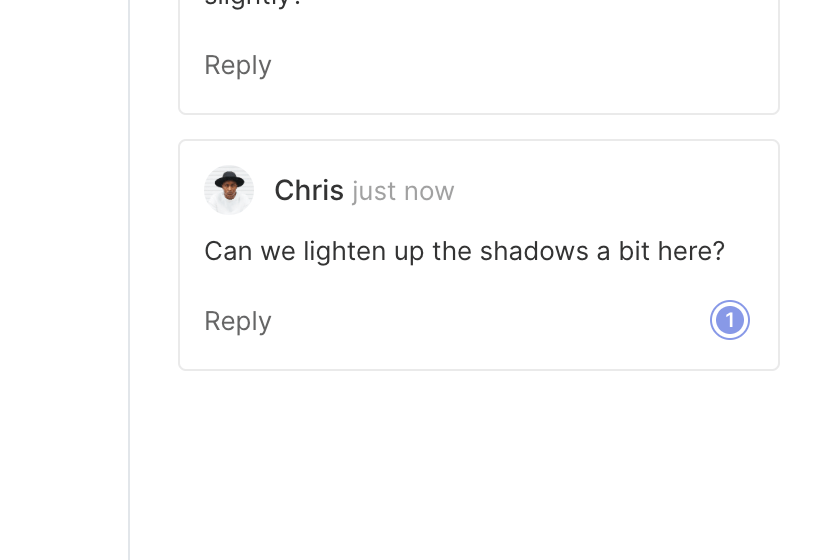
Your comment will be added to the comment thread with a reference for the markup. Markups are numbered automatically enabling you to quickly reference each comment.
Selecting Markups
Click on a Comment, or directly on the Markup to single out the markup and clearly see which markup is being referenced.

Hiding Markups
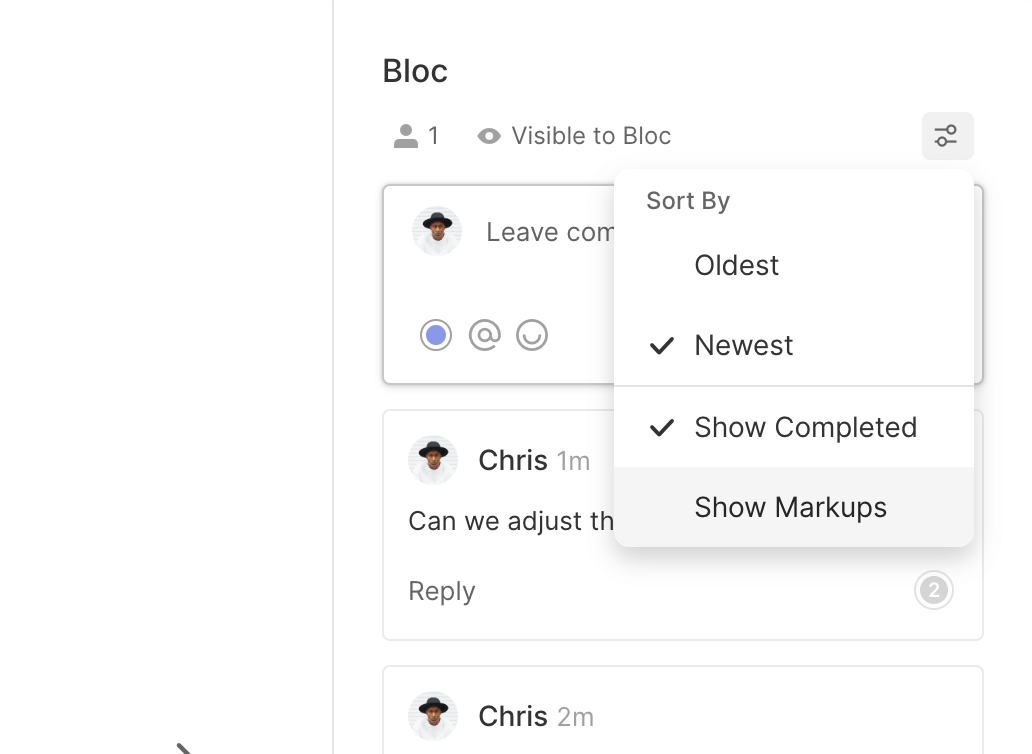
To hide all markups, click the Filter icon and unselect Show Markups. This will remove all markups from view, but the comments will remain in the comment bar.
Disabling Markups
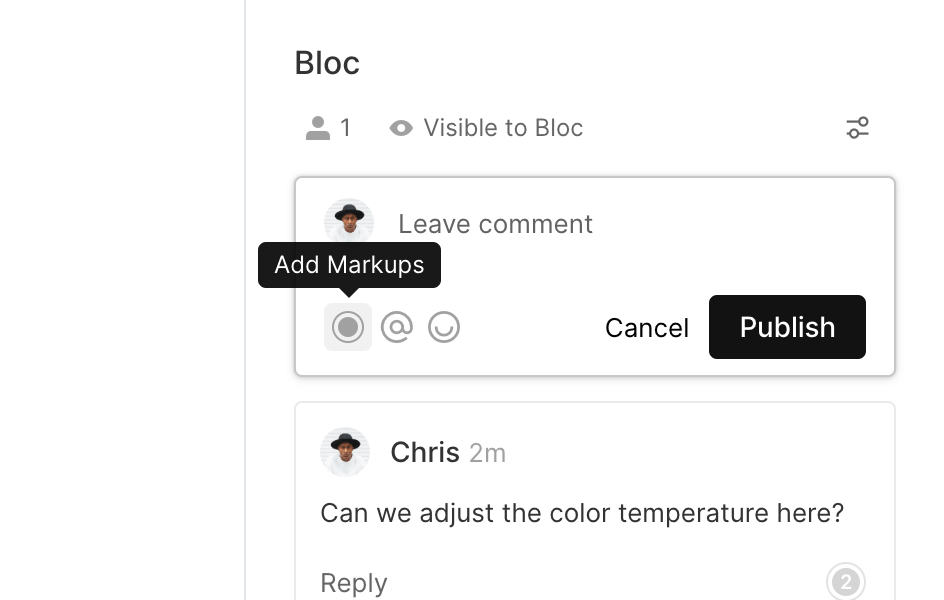
To disable markups, click the Add Markup button underneath the comment field.
To learn more about leaving feedback on assets, click here.
Was this helpful?